01 — WORKFLOW
Explore service
Workflow Automation Software
We automate repeatable tasks, approvals, notifications and hand-offs around defined internal processes.

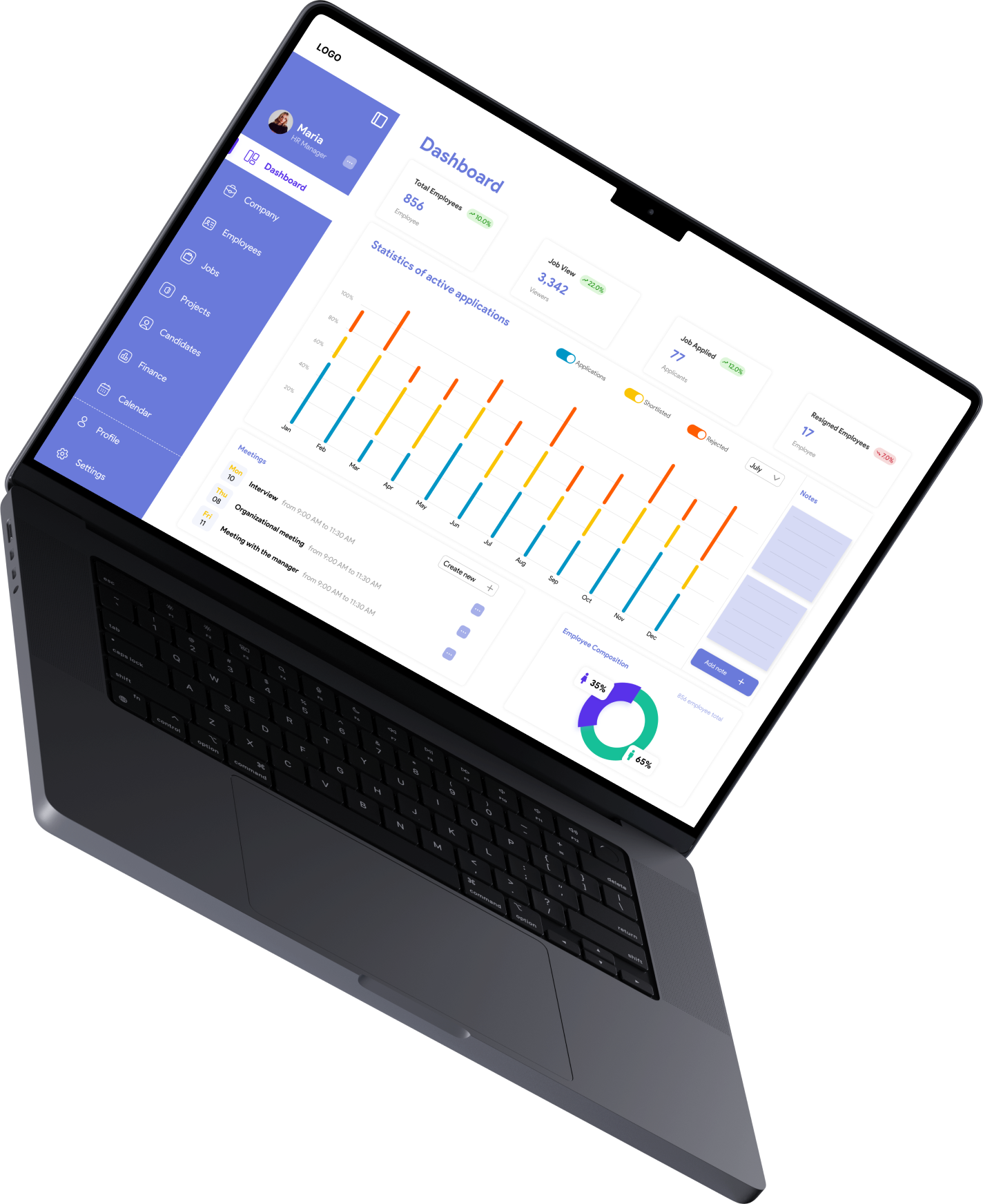
Give each team a clear view of the information and actions relevant to their role. WDI builds custom dashboards that bring operational data, status updates, and management tools into one focused workspace.
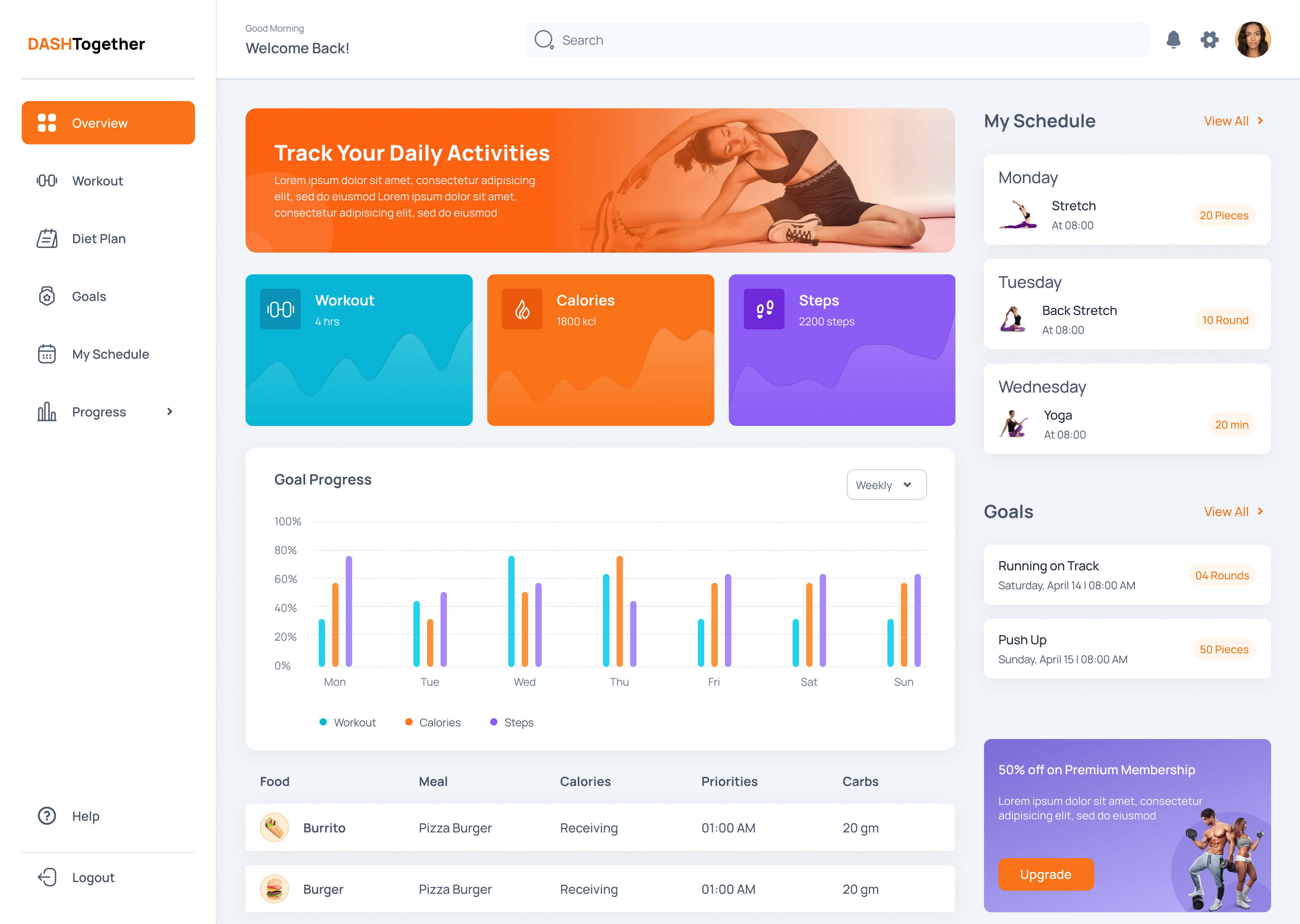




WDI works as a dashboard development company for organisations that need internal applications built around the information, workflows and operational tasks their teams manage. Our services can include dashboards, admin panels, reporting interfaces, workflow tools, data-management screens and modernisation, where these needs fit the agreed scope. Development waits until we've reviewed users, decisions, source systems, permissions, workflows and reporting requirements. That way the resulting tool supports a defined operational purpose.
The wider operational need keeps developing, and internal tools may come to depend on other things: workflow automation, BPM, AI, CRM, modernisation, design systems or deployment requirements.
We automate repeatable tasks, approvals, notifications and hand-offs around defined internal processes.
Several workflows, roles and systems sometimes need shared management. We coordinate those broader interconnected processes.
AI is added where internal information supports a software use case that is defined and can be evaluated.
We connect internal tools with customer-management processes and information where required.
We renew the wider software where internal-tool limitations come from ageing application architecture.
Reusable interface patterns are created for internal software experiences as they evolve.
We address application environment and deployment requirements according to the agreed scope.
An internal tool should simplify a defined task or decision. It shouldn't become another system your employees have to work around. We help you determine what belongs in the tool and what should stay elsewhere.
Discuss Your Internal ToolA dashboard fits when the main need is visibility and reporting. An internal application fits when users also need to manage records, complete tasks or trigger workflows.
We identify the information users genuinely need for decisions or tasks. Copying every available field from source systems into one interface is not the aim.
Not necessarily. Internal tools can sit across existing systems where suitable APIs and permissions exist, which reduces the need to rebuild software that is functioning.
An internal tool is the route when users need a purpose-built working interface. Workflow Automation is the route when the primary requirement is routing tasks, approvals or system actions.
This service applies when the deliverable is a specific internal dashboard or tool. Centralise Data & Reporting applies when the broader problem is consolidating reporting across systems.
Roles are defined by what each user needs to view, manage or approve. Not every internal user is given the same level of access.
We bring relevant information into defined internal views where teams need clearer access to operational or management reporting.
Internal interfaces are combined with structured workflows where users need to complete tasks, approvals or operational actions through software.
We create internal applications that work across existing systems, where APIs, permissions and information ownership support integration.
AI-assisted features are introduced where implementation is supported by internal information, the use case, evaluation requirements and human controls.
We improve existing internal software whose ageing interfaces, architecture or integrations are restricting continued business use.
Multiple users, workflows, integrations and operational requirements may need a shared application foundation. We extend the internal tool into broader business software for that.
We connect selected internal processes with customer-facing experiences where access, workflows and supporting systems need to work together.
Sales or lead-management teams are supported with internal interfaces where reporting, customer information and operational actions need clearer coordination.
Users, information, workflows and operating models all change what an internal tool requires. We can shape dashboards and internal applications around different business contexts while the scope stays specific to the organisation.
Users, customer journeys, sales stages, information, ownership and current system constraints are mapped.
Users, customer journeys, sales stages, information, ownership and current system constraints are mapped.
Together we decide which workflows, records, roles, integrations and reporting needs belong in the CRM.
Together we decide which workflows, records, roles, integrations and reporting needs belong in the CRM.
We define interfaces, stages, tasks, permissions and key CRM interactions around user responsibilities.
We define interfaces, stages, tasks, permissions and key CRM interactions around user responsibilities.
Source systems, APIs, information flows, synchronisation needs and migration dependencies are identified.
Source systems, APIs, information flows, synchronisation needs and migration dependencies are identified.
We develop the agreed CRM functionality progressively. Stakeholders review workflows against real operating requirements.
We develop the agreed CRM functionality progressively. Stakeholders review workflows against real operating requirements.
Workflows, permissions, integrations, reporting and agreed release requirements are tested before operational use.
Workflows, permissions, integrations, reporting and agreed release requirements are tested before operational use.
We review changing customer processes, user needs and system dependencies to guide appropriate future improvements.
We review changing customer processes, user needs and system dependencies to guide appropriate future improvements.
Interface engineering, backend logic, data, integrations and access controls all meet in an internal tool. We let user tasks, information requirements and the existing system environment decide the technical approach.
We build responsive internal interfaces around defined users, workflows and reporting needs.
The application logic and services that internal tools and dashboards require are built by our team.
We prepare the information flows required for dashboard views, workflows, reporting and integrations.
Internal tools are connected with existing systems through suitable APIs and agreed integration routes.
We structure application information around users, tasks, reporting and system requirements.
Defined reporting sources and systems are connected where the agreed dashboard requirement needs them.
We manage information updates according to source systems, reporting needs and agreed application behaviour.
Application environment requirements are defined according to architecture, deployment needs and scope.
We define access according to user responsibilities and agreed information requirements.
AI can support selected internal tasks where its use is justified by information and a defined business need. Human ownership should remain explicit where appropriate.
We help users access or work with defined internal information where the technical approach is appropriate.
AI supports the preparation or interpretation of defined internal reporting, under human review.
We use suitable information to assist defined operational analysis where meaningful evaluation is possible.
Users get help identifying information or activity that may need further operational review.
We support defined employee tasks involving information access, guidance or workflow assistance.
AI is used with supported documents where input, task and review requirements are clearly defined.
We support suitable internal workflows, and clear ownership, exceptions and human review are retained.
AI-assisted information is provided for defined decisions. Appropriate human responsibility is not removed.
A fraction of what we have shipped.
Share the goal, the users and the systems involved. We'll come back with a considered approach.
Verified feedback from founders, product owners and technology teams who have worked with WDI on product strategy, UX, interface design and digital-product delivery.
CRM development may connect with broader software, workflow, AI, web, design or engineering requirements. These WDI capabilities give you routes to related services once the requirement goes beyond CRM.
We evaluate AI capabilities for products, software and workflows. Implementation follows where AI supports a defined need.
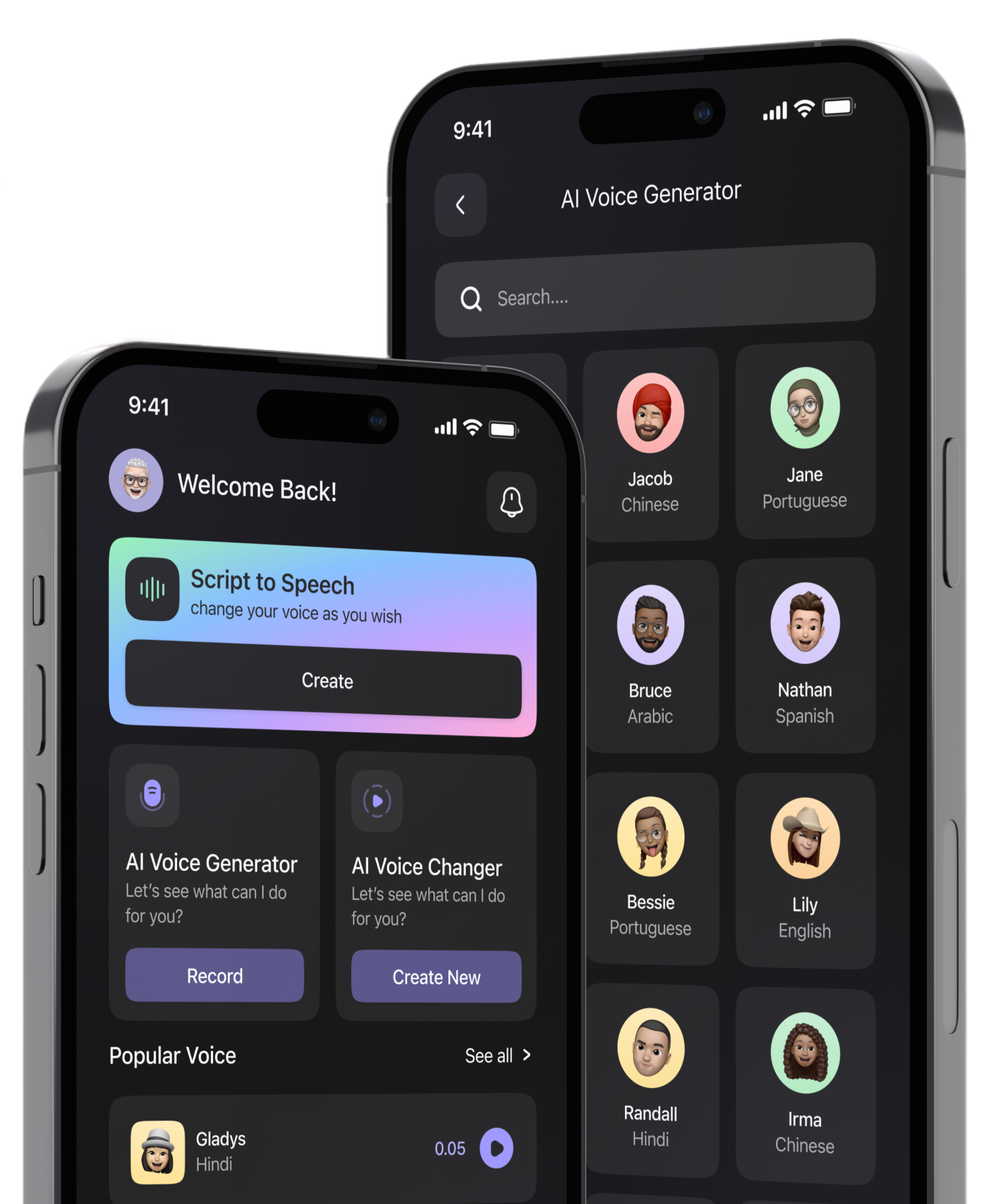
We plan, design, engineer and evolve mobile products around users, business requirements and technical constraints.
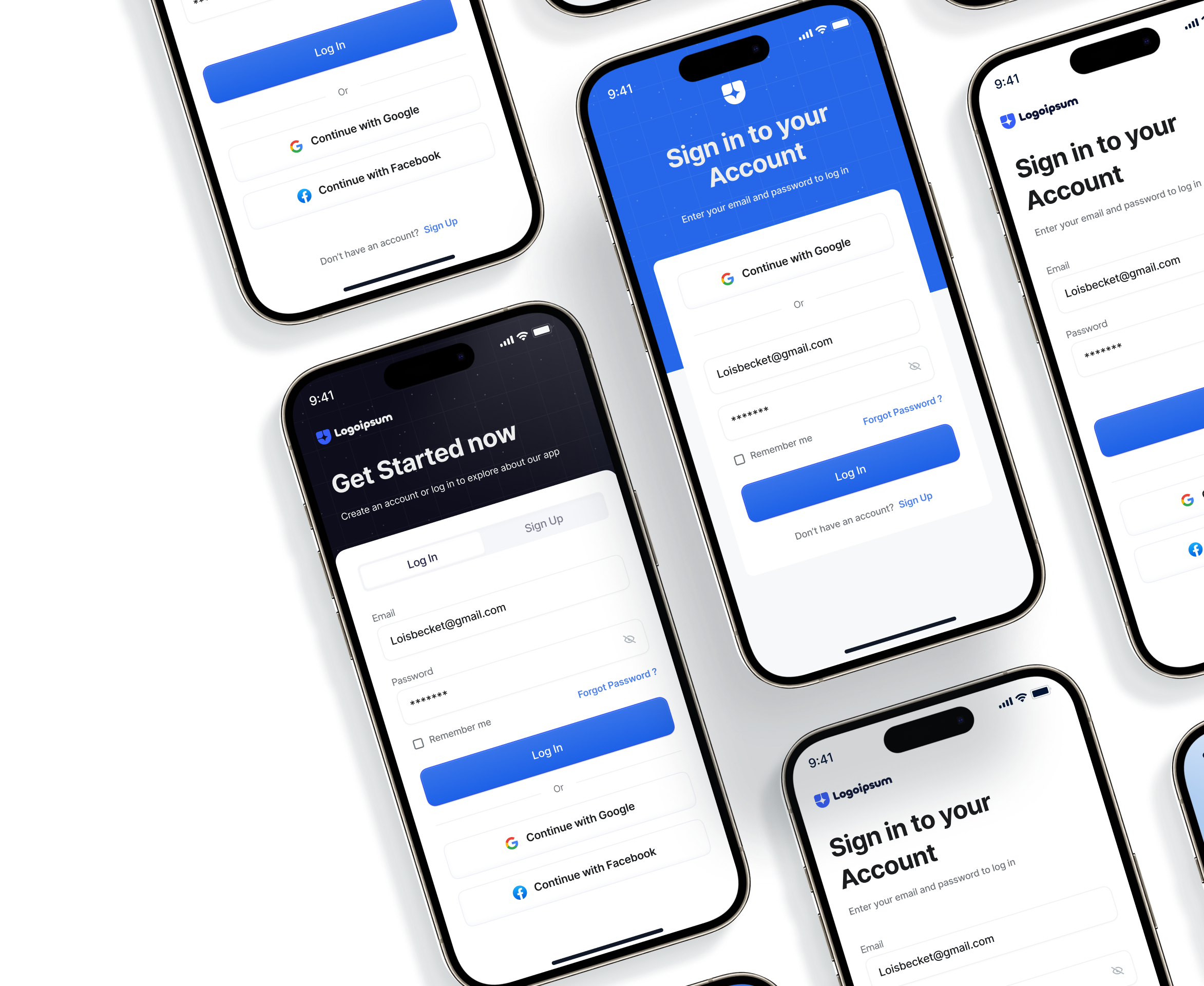
Purpose-specific software platforms and systems are built around business processes, integrations and operating requirements.
Our web applications and digital experiences support wider product and software requirements.
We define user journeys, interfaces and product experiences before engineering, or alongside it.

Engineering capacity is added within an established delivery environment, with roles and responsibilities defined.
We organise our software approaches around the operational or product problem your organisation needs to solve.
We start with how customer information and work actually move. That business-first discovery comes before any CRM functionality is defined.
Bespoke functionality is considered where standard CRM behaviour doesn't support an important workflow, role or integration requirement.
We plan CRM architecture around the wider application environment. We don't assume every customer process should move into one system.
Interfaces, permissions and workflows can be defined around what different teams actually need to manage.
Required systems, APIs and information flows are considered before CRM workflows are implemented.
Customer processes, teams and supporting systems change. CRM requirements can be reviewed as they do.
These answers explain how WDI approaches custom CRM development, existing platforms, integrations, AI-assisted features, permissions and continued CRM evolution.
If your question is not answered here, a CRM specialist can address it directly in a consultation.
It is software built for employees or operational teams to manage defined tasks, information, workflows or reporting. An internal business tool may replace spreadsheets, disconnected admin interfaces or manual coordination, where a purpose-built application offers a clearer working environment.
A dashboard primarily helps users view and interpret information. An internal tool goes further and can let users manage records, trigger actions, complete tasks or work through defined processes. Some applications combine both functions.
Dashboard development can be appropriate when teams need repeatable access to defined operational or management information, and existing reporting tools don't provide the right interface, context or integration.
Yes, where suitable APIs, permissions and integration routes exist. An internal tool can then work across your current software and information sources. This can avoid rebuilding systems that already perform their underlying function effectively.
Internal Tools & Dashboards focuses on building a specific internal application or working interface. Centralise Data & Reporting addresses a broader challenge, the consolidation of reporting and information across systems, which may involve several services or technologies.
An internal tool primarily gives users a purpose-built interface for tasks, information or management. Workflow Automation Software primarily coordinates repeatable task routing, approvals, notifications and system actions. A requirement can involve both.
Yes, where AI supports a defined task and suitable information, privacy requirements, evaluation criteria and human controls can be established. AI should stay secondary to the operational problem the tool is intended to solve.
Look for a dashboard development company that understands user decisions, information sources, permissions, integrations and operational workflows. It should distinguish between reporting needs and wider internal-application requirements, and not treat every problem as a dashboard.
Tell us about your current CRM, your customer workflows and user roles. We'd also like to know your integration needs and the limitations you want to address.
We'll review the process, the information and the system dependencies. Then we can discuss whether custom CRM development, modernisation, integration or another approach is the appropriate next step.