


What workflow needsto improve?
A defined workflow establishes why the systems need to communicate and what the integration should accomplish.

Connect the applications your departments rely on so information can move between them with less manual effort. WDI develops integrations that coordinate data and workflows across your systems, with clear rules for validation, monitoring, and exceptions.
System integration connects applications so information can be shared and actions triggered without repeated manual steps.
Integrations can support customer updates, workflow triggers, transaction and status updates, system synchronisation, cross-tool activities and reporting.
Software integration services connect key business workflows, helping reduce duplicated work, information gaps and unnecessary handoffs.
Integration becomes worth evaluating when important workflows depend on information or actions distributed across multiple applications.
Integration may not be the right answer when the underlying process is poorly defined, the source application cannot provide suitable access, the information should not be shared or replacing one of the systems would solve the problem more effectively.
The first integration decisions should concern the business workflow and information ownership before individual connections are designed.
A defined workflow establishes why the systems need to communicate and what the integration should accomplish.
Not every application involved in a business process necessarily needs direct integration.
Clear ownership helps prevent conflicting or duplicated records across applications.
The integration should transfer only what the workflow actually requires.
Timing requirements influence how the applications need to interact.
Important workflows need defined handling for unavailable systems, incomplete transfers or exceptions.
How will the integration be evaluated? Evaluation should reflect the workflow and information exchange the connection is intended to support. A useful integration is not defined by the number of systems connected. It is defined by whether those connections support the intended workflow for the business context.
Share the systems involved, the workflow you want to improve and any known API or information constraints.
Discuss Your Integration NeedsConnect appropriate business applications around defined information, workflow and operational requirements.
Connect applications through available interfaces where the required systems support appropriate programmatic access.
Connect suitable external platforms with existing applications where the business workflow requires information exchange.
Coordinate information and actions across applications involved in recurring business processes.
Connect digital products with suitable internal or external systems required by their users and workflows.
Coordinate selected information between applications where multiple systems need appropriately aligned records.
Connect system actions around defined process steps, triggers and operational handoffs.
Connect suitable older applications with newer software where replacement is not the immediate requirement.
Integration should be evaluated as part of the business workflow rather than as an isolated technical connection.
The workflow or operational problem the integration should address
Who depends on the connected process and how they interact with it
Which applications participate and what role each one plays
Which system should remain authoritative for relevant information
Available APIs, interfaces, permissions and application constraints
How quickly information or actions need to move between systems
What should happen when information is incomplete or a system is unavailable
The measurable improvements expected from connecting the systems
WDI’s business-first approach starts with the workflow, users, systems, constraints and expected outcome before prescribing an integration route. Continuity requirements cover which existing workflows must continue while integration changes are introduced. Operational ownership covers who will monitor and maintain the integration after release.
Direct integration is relevant when the applications remain suitable and the primary problem is how information or actions move between them. A broader system change may be more appropriate when an application is already a major operational constraint, interfaces are unsuitable or integration would preserve unnecessary complexity. The assessment may point towards direct integration, application changes, workflow redesign, selected modernisation or replacing an unsuitable system instead of connecting it.
Create or connect suitable interfaces where applications need to exchange defined information.
Build supporting application functionality where integration requirements extend beyond existing software capabilities.
Connect browser-based applications with appropriate business systems and external services.
Improve constrained applications where existing architecture prevents practical integration.
Connect appropriate system actions around defined recurring business processes.
Support application environments and delivery requirements affected by integration changes.
Extend internal engineering capacity for defined integration and application responsibilities.
Connect suitable applications where teams need information or actions to move across business processes.
Connect customer-facing systems with appropriate internal applications supporting accounts, service or operations.
Link employee-facing applications with the information and systems required for defined tasks.
Connect web, mobile or software products with appropriate supporting business or third-party systems.
Integrate suitable older applications where they must continue participating in current workflows.
Connect suitable third-party software with existing applications where supported interfaces and permissions are available.
Coordinate information between applications involved in recurring operational processes.
Connect appropriate information sources with reporting workflows where consistent data movement is required.
Connect suitable external services where a workflow needs information or actions beyond the organisation’s own applications.
The engineering considerations behind a connection: interfaces, information, access and exceptions, chosen around the workflow the integration is meant to support.
Connect suitable application interfaces around defined information and workflow requirements.
01Extend application services and business logic required to support connected workflows.
02Define how relevant information corresponds between applications with different structures.
03Coordinate application actions and information movement around defined process requirements.
04Account for appropriate application access when systems need to interact.
05Define suitable behaviour when a transfer fails, information is incomplete or another system is unavailable.
06Coordinate selected records where business processes require information alignment between systems.
07Identify connection behaviour and failures that should be observed after release.
08Review how a change to a connected application should be assessed before it affects an existing integration.
09Move appropriate information between systems without relying entirely on repeated manual transfer.
Connect application actions around processes that span multiple systems.
Reduce unnecessary duplication where selected information needs to remain aligned between applications.
Reduce avoidable tool switching or repeated information entry within defined workflows.
Make relevant cross-system information available to appropriate users within business processes.
Allow digital products to interact with suitable business or third-party applications.
Support workflows that depend on several applications while retaining defined exception handling.
Create clearer connection boundaries where additional suitable systems may need to participate later.
Evaluation should reflect the workflow and information exchange each integration is intended to support. Depending on the requirement, evaluation may consider successful information transfers, workflow completion, failed or incomplete exchanges, data consistency, integration availability, processing behaviour, user feedback, operational exceptions and support requirements.
Some integration issues can be identified through application behaviour and monitoring. Others only become clear when users work through the connected business process. Planning should also establish who owns each integration after release, what should be monitored, how exceptions are handled and how changes to connected applications will be assessed.
These examples describe possible integration contexts rather than claims of specialist WDI integration expertise in every sector.
A fraction of what we have shipped.
WDI is a digital product engineering and AI solutions company with authorised capabilities across custom software development, mobile and web engineering, product design, digital consulting and AI integration. Across its broader delivery work, WDI has built 200+ digital products and delivered 2,000+ projects. These figures describe WDI’s overall product and project experience and do not imply that every engagement involved enterprise application integration. Use this solution page to determine which systems should connect and what information should move. Use a specialist service page when the systems, interfaces and required connection are already defined and the primary need is engineering implementation. Related routes: Software Development, Application Modernization, Workflow Automation Software, Cloud Applications & DevOps, Team Augmentation and Automate Business Operations.
Evaluate and implement AI capabilities where intelligent processing can add practical value to products, software or business workflows.
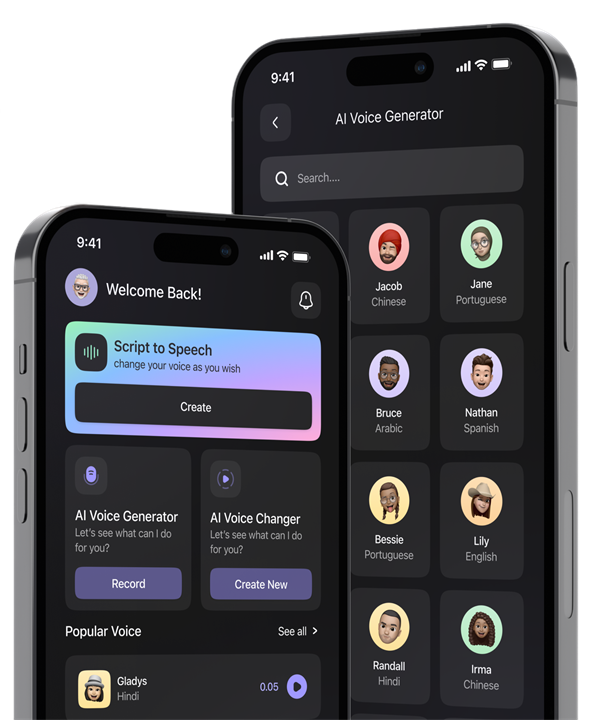
Plan and build mobile applications that connect users, workflows, data and supporting business systems.
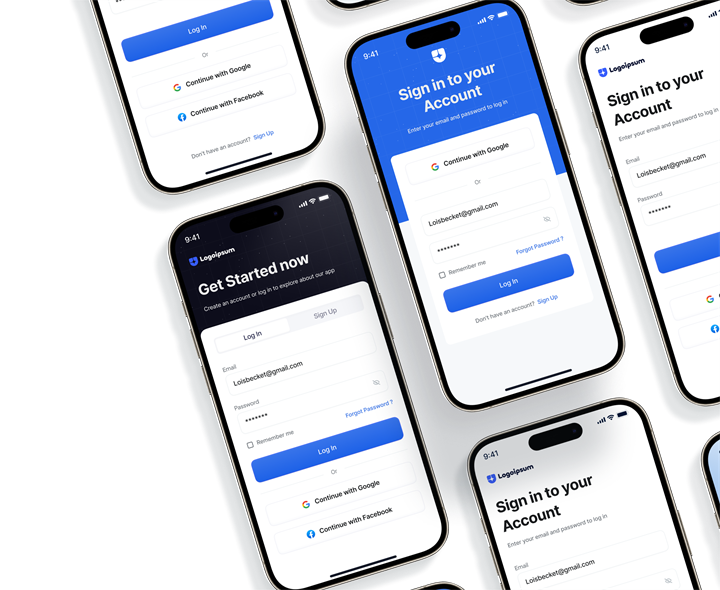
Develop purpose-built software platforms, enterprise applications and operational systems aligned to business requirements and workflows.
Build web applications and digital platforms that support customer, employee or operational experiences.
Research, define and design user journeys, interfaces and product experiences for web, mobile and software platforms.

Extend your internal engineering capacity with defined roles, responsibilities and delivery governance.
Address broader business objectives through software, AI, integration, automation, data and digital-product solutions.
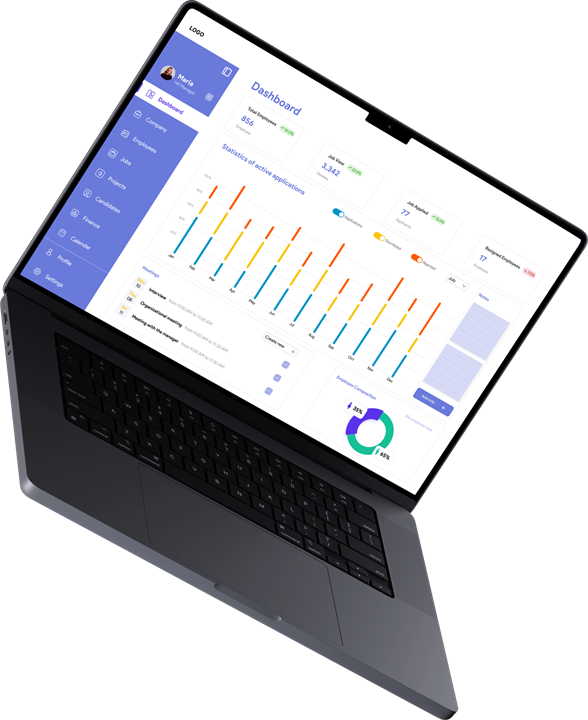
The initial conversation should establish which systems are involved, what business process connects them and what currently prevents the workflow from operating as intended.
Useful context may include the workflow you want to improve, the users who depend on the process, the applications involved, the information that needs to move, available APIs or interfaces, known permissions or access constraints, current manual workarounds and how the organisation would recognise a useful result.
WDI can review that context and discuss whether the likely next step involves integration assessment, technical discovery, application changes, modernisation, workflow redesign or another approach.
Any formal discovery, design or development engagement is scoped and agreed separately.
Enterprise application integration connects suitable business applications so information or actions can move between them as part of defined workflows.
No. The available approach depends on the systems involved and the interfaces they support. Feasibility should be assessed before assuming a particular integration method.
It depends on whether both systems still serve a useful purpose. If one application is already a significant constraint, replacement or modernisation may be preferable to preserving it through integration.
The organisation should determine which application remains authoritative for relevant information and how other systems should use or update that information.
The appropriate behaviour depends on the workflow. Planning may need to cover retries, exception handling, user notification or an alternative process.
Yes. WDI provides team augmentation and dedicated-team models. The appropriate arrangement depends on responsibilities, capability requirements, governance and delivery ownership.
The strongest integration strategy is not the one with the most connections. It is the one that connects the right systems, information and actions around a clearly defined business process.
Share the systems involved, the workflow you want to improve and any known integration constraints. WDI can review the context and discuss an appropriate next direction.