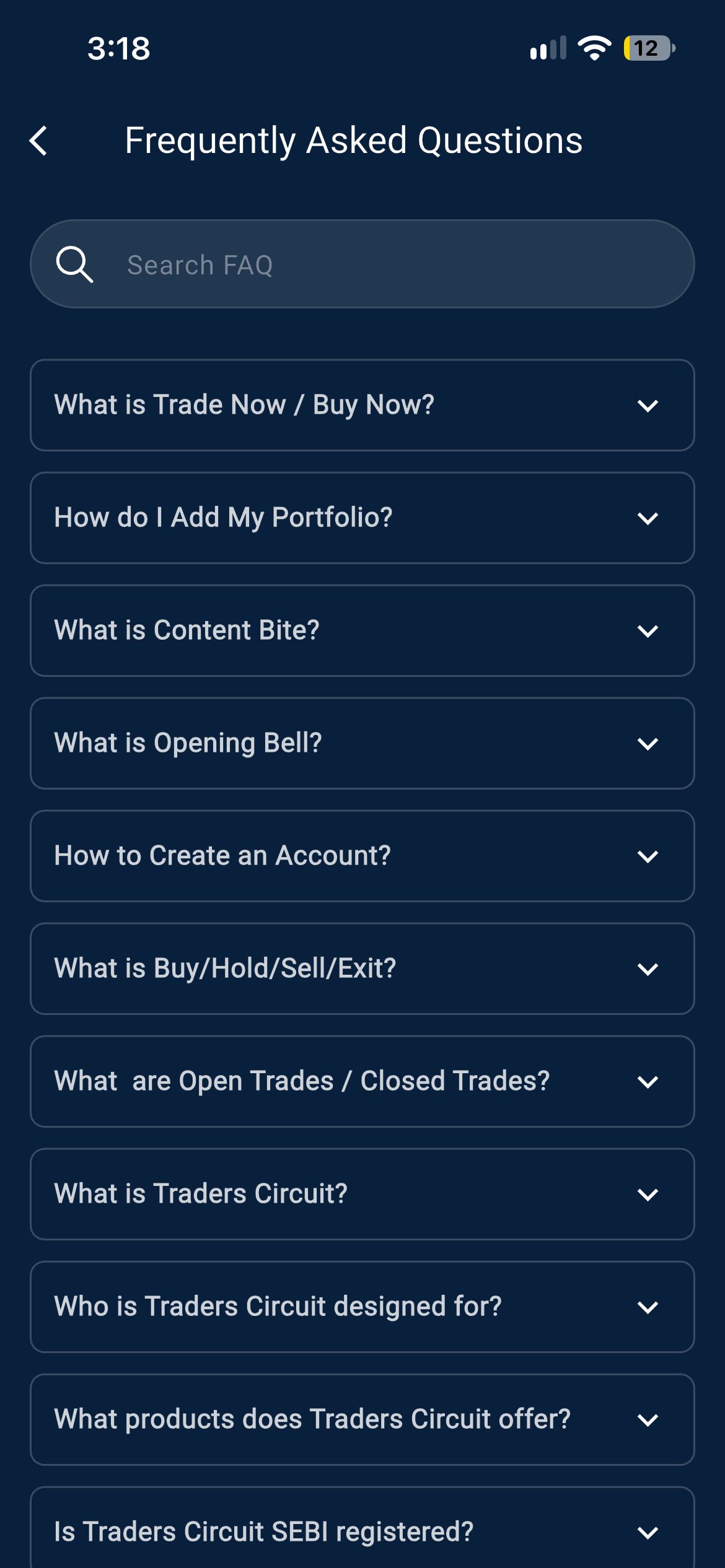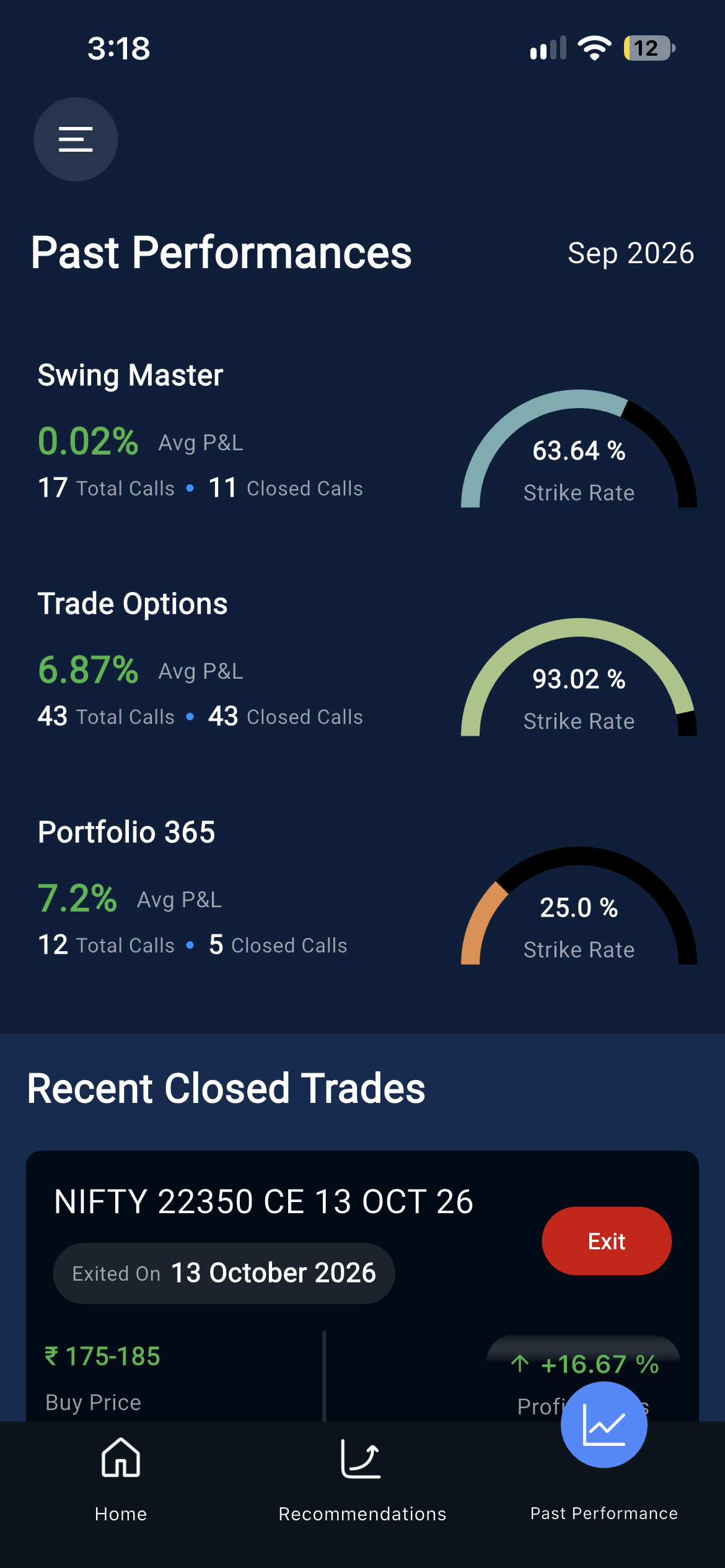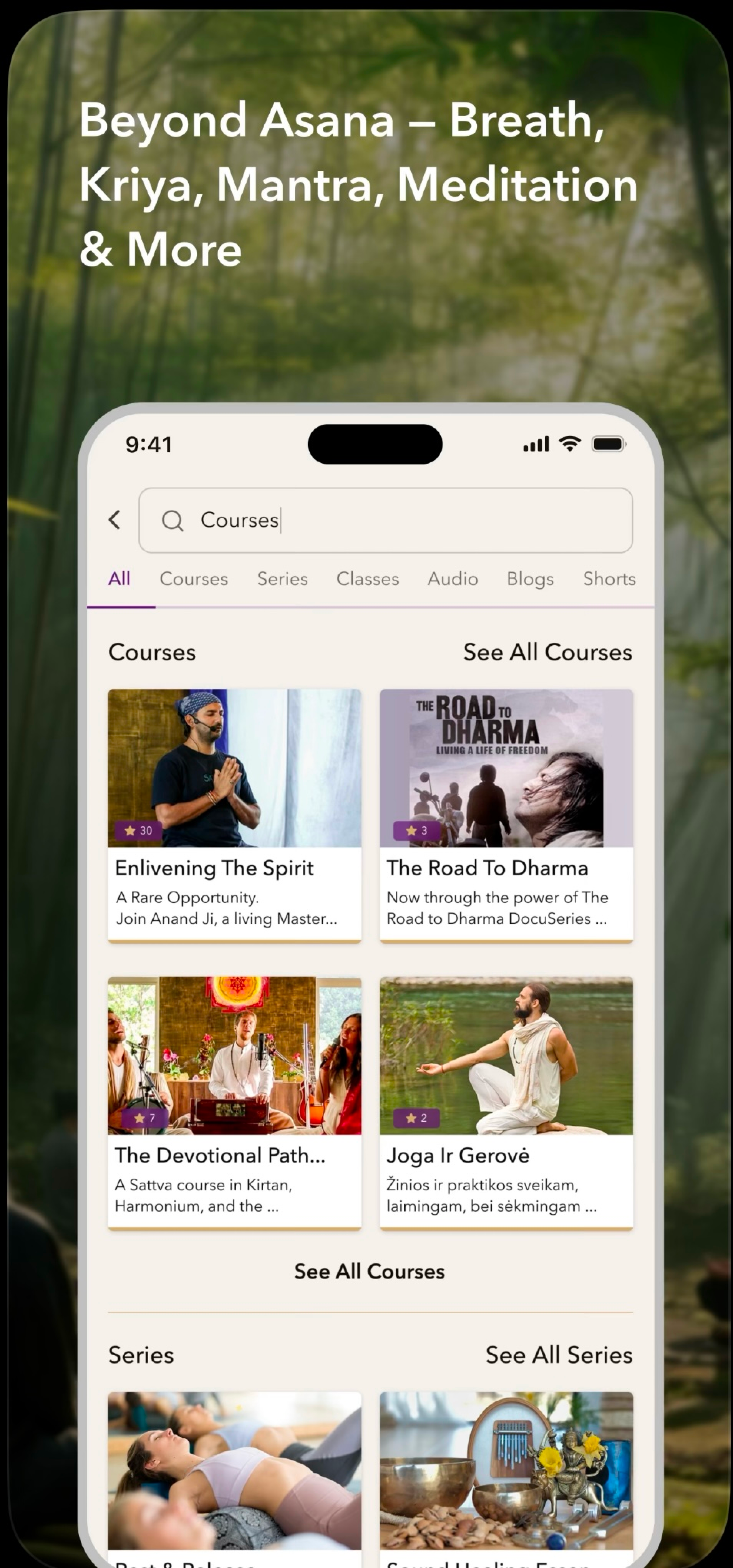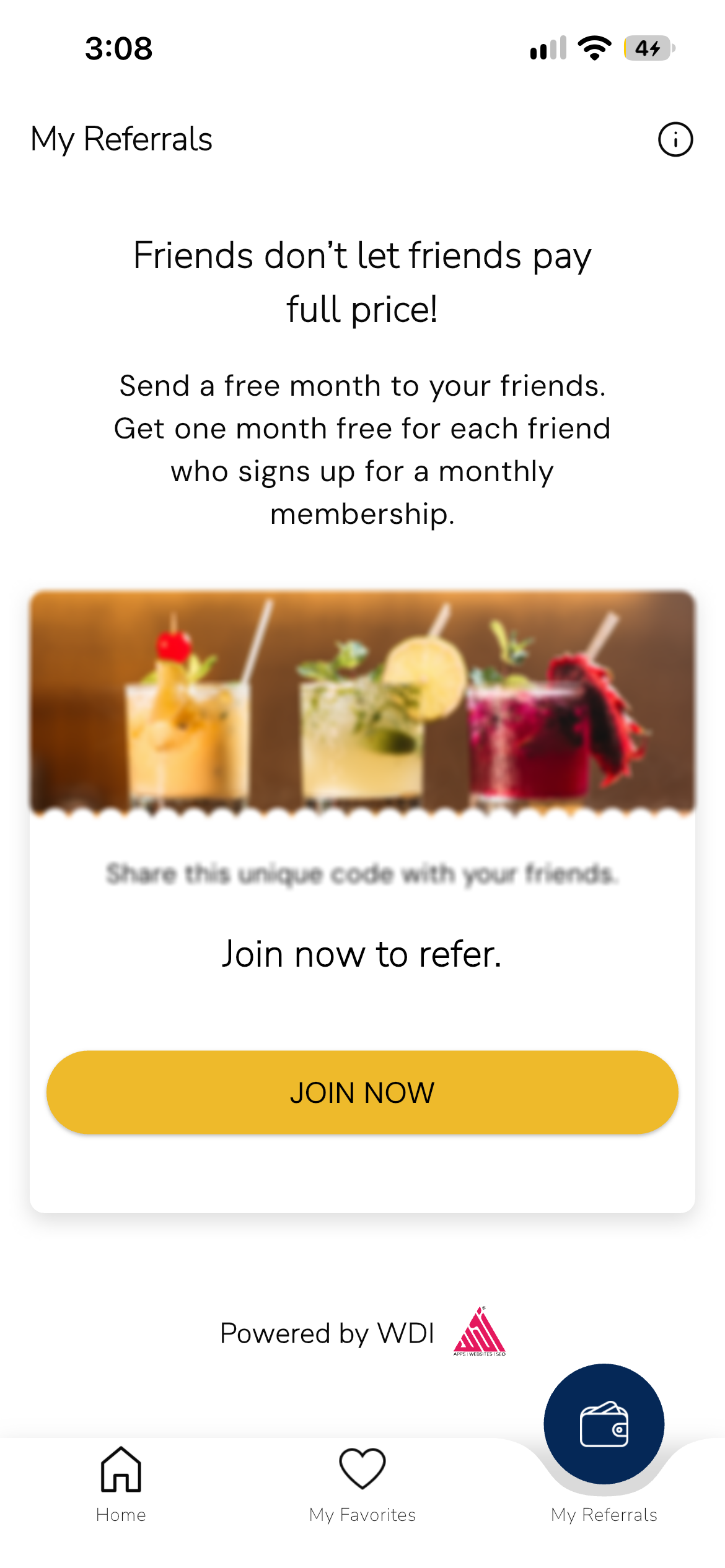
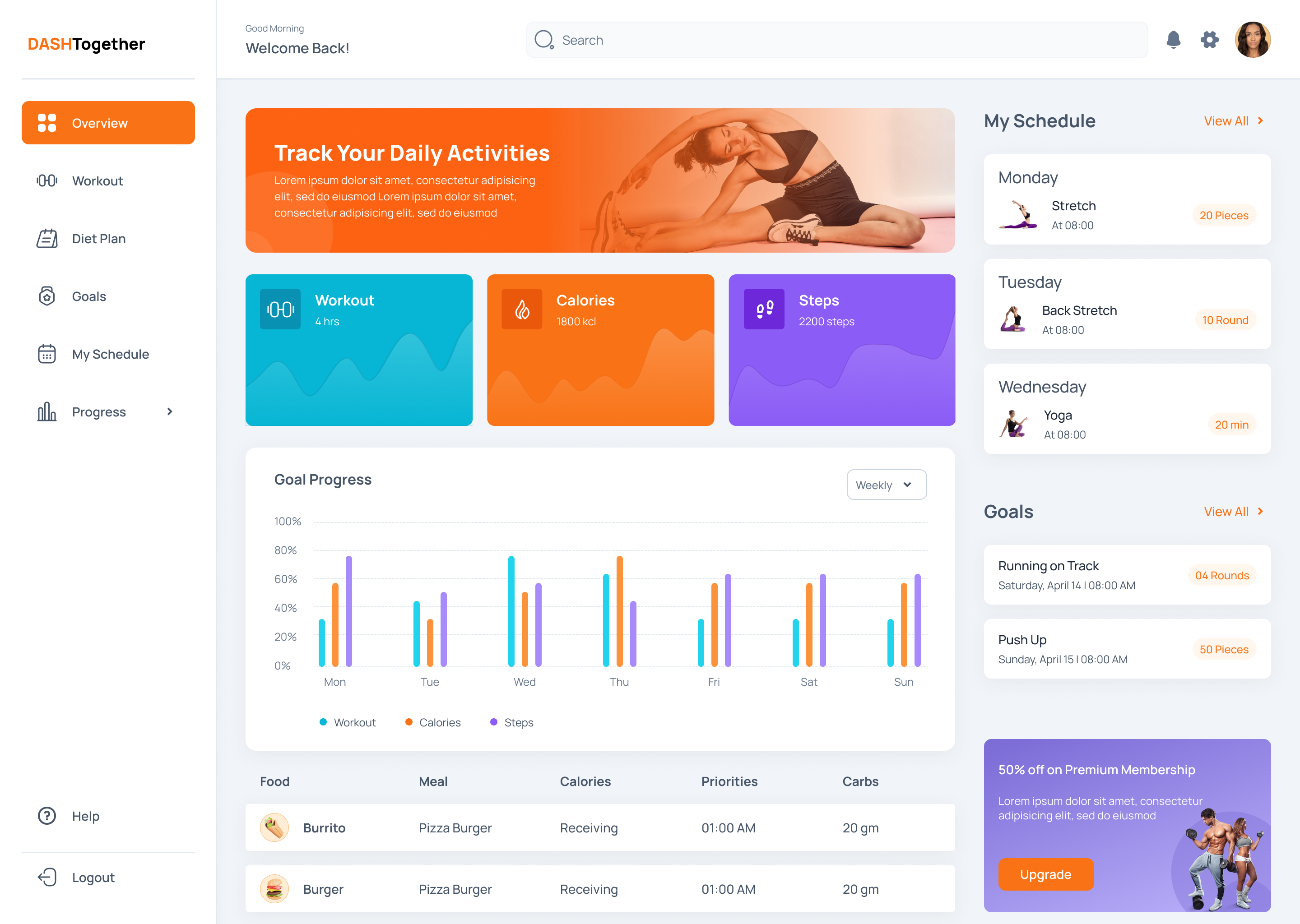


Who needsaccess?
Customers, partners, vendors, members and internal teams may each need different journeys and permissions.

Give customers a convenient place to access documents, track requests, and manage their relationship with your business. WDI builds customer portals with account-specific access and connected workflows that reduce routine back-and-forth.
Customer portal development is the work of planning and engineering a controlled-access digital space for the people you serve. Customers and other external users go there to view information relevant to them and complete defined activities.
What a portal lets people do depends on your business model: manage account information, submit and monitor service requests, access documents, view orders or transactions, complete workflow steps, communicate, manage subscriptions and access dashboards.
A portal connects users with business systems, not just a private website. Roles, permissions, integrations, data ownership and workflows must work together to deliver a reliable experience.
A portal is worth evaluating when external users keep depending on your team for information or activities that a clearer digital experience could handle.
A portal may not be necessary when a public website already supports the journey you need, when interactions are infrequent or when the underlying process has not yet been sufficiently defined.
Successful portal projects begin with the user and the operating model, and only then turn to the interface.
Customers, partners, vendors, members and internal teams may each need different journeys and permissions.
Self-service should take away real friction for the customer. It should not simply hand your internal processes over to them.
Information, actions and approval rights may vary significantly from one user group to another.
The portal may depend on CRM, ERP, payment, document, operational or other existing systems.
Exceptions, complex service issues and higher-impact decisions may need your staff to step in.
Permissions should reflect how sensitive the information is and who owns it; measures may include adoption, completion rates, service workload and user feedback.
Together, these decisions help determine whether your organisation needs a focused portal, a broader platform or changes to the systems and workflows behind it.
Tell us about the users, journeys and systems you want to bring together. We can review the context and talk through the most appropriate portal direction.
Discuss Your Portal RequirementsGive customers direct access to suitable information, requests and account activities, reducing routine dependence on your staff.
A dedicated environment for business customers covering account information, shared documents, requests and recurring interactions.
Controlled access to the information, resources and workflows partners need to work with your organisation.
Support ongoing member relationships through accounts, content, services and defined membership activities.
Let users manage relevant account details, preferences and services, along with recurring account interactions.
A structured route for submitting requests, providing information and monitoring progress.
Give customers clear visibility into relevant account, activity, service or performance information.
Organise document access and the related workflows according to defined user roles and permissions.
A useful portal is defined around two things: the experience of the external user and the operational systems needed to support it.
Who needs access, and what each user type should be able to see or do
The most important activities users need to complete
Where account, transaction, service and operational information currently sits
How permissions should differ across users and activities
Which applications or APIs the portal needs to exchange information with
Which internal teams manage requests, exceptions and portal content
The improvement your organisation intends to evaluate after launch
How the portal can support evolving user needs and business growth
WDI's business-first approach begins with the problem, the users, the constraints and the success measures. Technology is prescribed only after that. The assessment may show that you need a new portal. It may equally point to an extension of an existing platform, system integration, workflow improvement or modernisation of the applications behind the customer experience.
Customer self-service portals are only useful when recurring activities can reasonably be completed without help. Interactions that are complex, sensitive or exception-based may still need a person. Enterprise portal development can be appropriate when the platform must serve several user groups, systems or organisational functions — that scope decision follows directly from who needs access and what has to be coordinated.
We build browser-based portal experiences connected to the appropriate business logic and systems.
Where user needs justify it, we extend relevant portal journeys into mobile experiences.
Where the portal forms part of a SaaS platform, we support the broader multi-user software product.
We define journeys and interfaces around the tasks different portal users need to complete.
We introduce suitable AI-assisted experiences where the use case and the information support them.
Some existing applications constrain the portal experience, integration or future change. We improve them.
We support the application environments and delivery requirements behind portal-based software.
A dedicated, authenticated application layer that connects customer journeys with account data, workflows and supporting business systems.
A broader multi-user environment that combines customer access, operational workflows, data and services across business relationships.
A platform for coordinating partner accounts, access, information, workflows and administration across the wider partner operating model.
A system that brings member identity, services, content, recurring activities and administrative management into one environment.
A software environment that connects account data, user actions, business rules and supporting operational processes.
A platform that links customer requests with internal status, workflow, ownership and service-management processes.
A supplier-facing environment connected to vendor information, documentation, requests, operational status and relevant internal workflows.
A broader customer-facing environment that brings multiple journeys, content, services and connected systems into one digital experience.
Improve an existing portal's architecture, integrations or experience where the current platform constrains future change.
The engineering considerations behind a portal: interfaces, access, information and environment, chosen around the journeys the portal is meant to support.
We build responsive interfaces around the journeys and actions portal users need to complete.
01We implement the business logic and services that support portal functions and workflows.
02We connect the suitable applications and information sources the portal requires.
03Authentication, user roles and permissions are defined around approved portal access requirements.
04We structure and manage the information required by portal applications and connected workflows.
05Information and actions are coordinated between the portal and the appropriate business systems.
06Where cloud delivery is part of the solution, we plan the application-environment requirements.
07Access controls are defined according to users, information and agreed application requirements.
08Appropriate portal activity is captured so that you can evaluate usage and user journeys.
09AI helps users answer suitable questions or complete defined portal activities with less manual support.
Suitable content or experiences are adapted using available user and business information.
AI helps users locate relevant information across appropriate portal content and data sources.
Conversational interfaces support defined customer tasks where information and oversight requirements are clear.
Relevant options or information are surfaced where suitable data and evaluation criteria are available.
AI assists with extracting, organising or locating appropriate document information.
Available information is used to help surface relevant patterns or service needs for review.
Selected routine support activities are automated, with appropriate escalation and human involvement retained.
Not every portal needs AI. When the user task is predictable, conventional search, rules, workflow automation or well-designed navigation may be more appropriate. AI earns its place where it improves a defined user task, the information to support it is available and the oversight and evaluation requirements are clear.
Where AI is used, human review, fallback behaviour and operational ownership should be planned alongside the capability — not added afterwards.
These examples describe possible portal applications rather than claims of specialist WDI expertise in every sector.
A fraction of what we have shipped.
Use this Solution page when you are deciding what kind of portal or customer platform you need, what it should enable and what systems, data and access requirements affect implementation. Related routes: Web Application Development, Mobile App Development, SaaS Application Development, UI/UX Design Services, AI Web Application Development, Application Modernization, Cloud Applications & DevOps, Integrate Systems & Tools, Automate Business Operations, Centralize Data & Reporting and Add AI to Existing Products.
We evaluate and implement AI capabilities where intelligent processing can add practical value to products, software or business workflows.
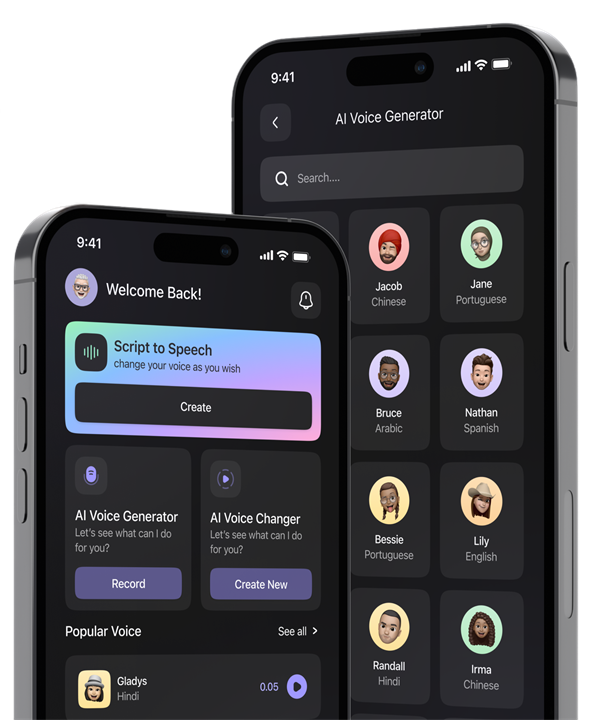
We plan and build mobile applications that connect users, workflows, data and supporting business systems.
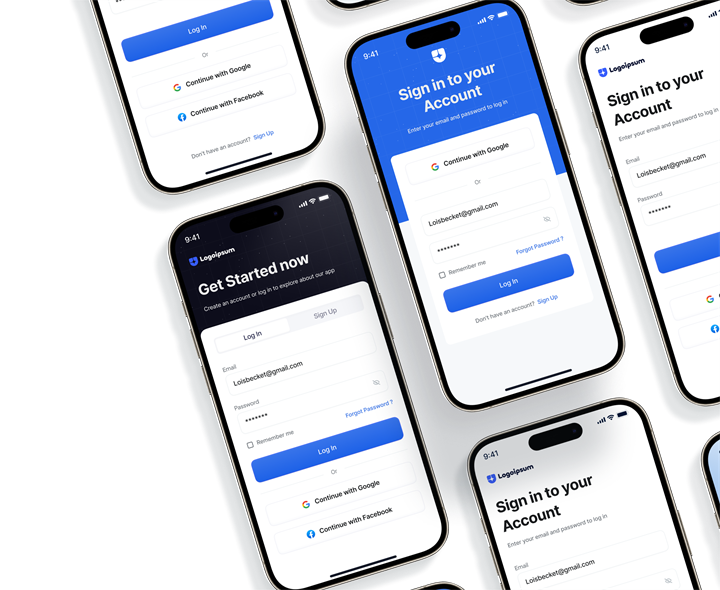
We develop purpose-built software platforms, enterprise applications and operational systems aligned to your business requirements and workflows.
We build web applications and digital platforms that support customer, employee or operational experiences.
We research, define and design user journeys, interfaces and product experiences for web, mobile and software platforms.

Extend your internal engineering capacity with defined roles, responsibilities and delivery governance.
Address broader business objectives through software, AI, integration, automation, data and digital-product solutions.
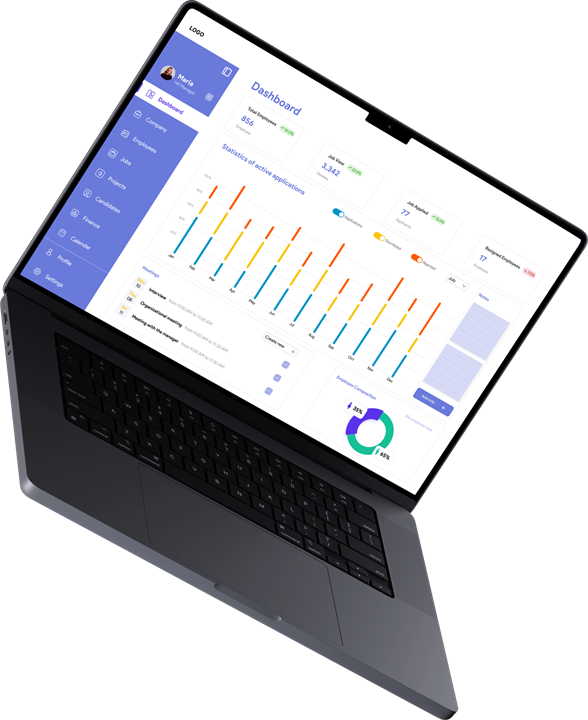
The first conversation should establish who the portal is for, what those users need to accomplish and which systems or processes already support those activities.
Useful context may include primary user groups, the most important customer or partner journeys, existing applications and data sources, current manual processes, known integrations, account and access requirements, and problems with an existing portal if you already have one.
We can review that context and discuss the likely direction. That may be a new portal, a platform extension, application modernisation, integration work or another approach.
Any formal discovery, design or development scope is agreed separately.
Anyone can visit a public website. Its main job is to present information and support open visitor journeys. A customer portal is different because users usually have to sign in, and what they see or do is specific to their own account, role or relationship with you.
It depends on what you already have: your architecture, your user journeys, your systems and where you expect requirements to go. If an existing application already gives you a suitable foundation, extending it can be the appropriate choice. If the user group, the workflows or the access model are substantially different, a separate portal may be the clearer option.
Often it can, though it is not automatic. Feasibility depends on the systems involved, the APIs they offer, permissions, architecture and the information you need. In some environments, integration or modernisation work has to come first.
Customer portal development is mainly about digital interactions for your customers or other external users.
Enterprise portal development can be broader. It may involve an environment that serves several user groups, systems, workflows or organisational functions.
Which scope is appropriate comes down to who needs access and what the platform has to coordinate.
No. Self-service earns its place when users have recurring activities they can reasonably complete without help from your staff. Interactions that are complex, sensitive or exception-based may still need a person.
Only if it improves a defined user task. AI may help with suitable search, assistance, recommendations or document-related activities. How much value it adds depends on the information available, the evaluation requirements and human oversight.
A customer portal should make an important relationship easier to manage. It should not simply move existing complexity onto another screen.
Tell us about the users, journeys and systems you want to bring together. We can review the context and talk through the most appropriate portal or platform direction.